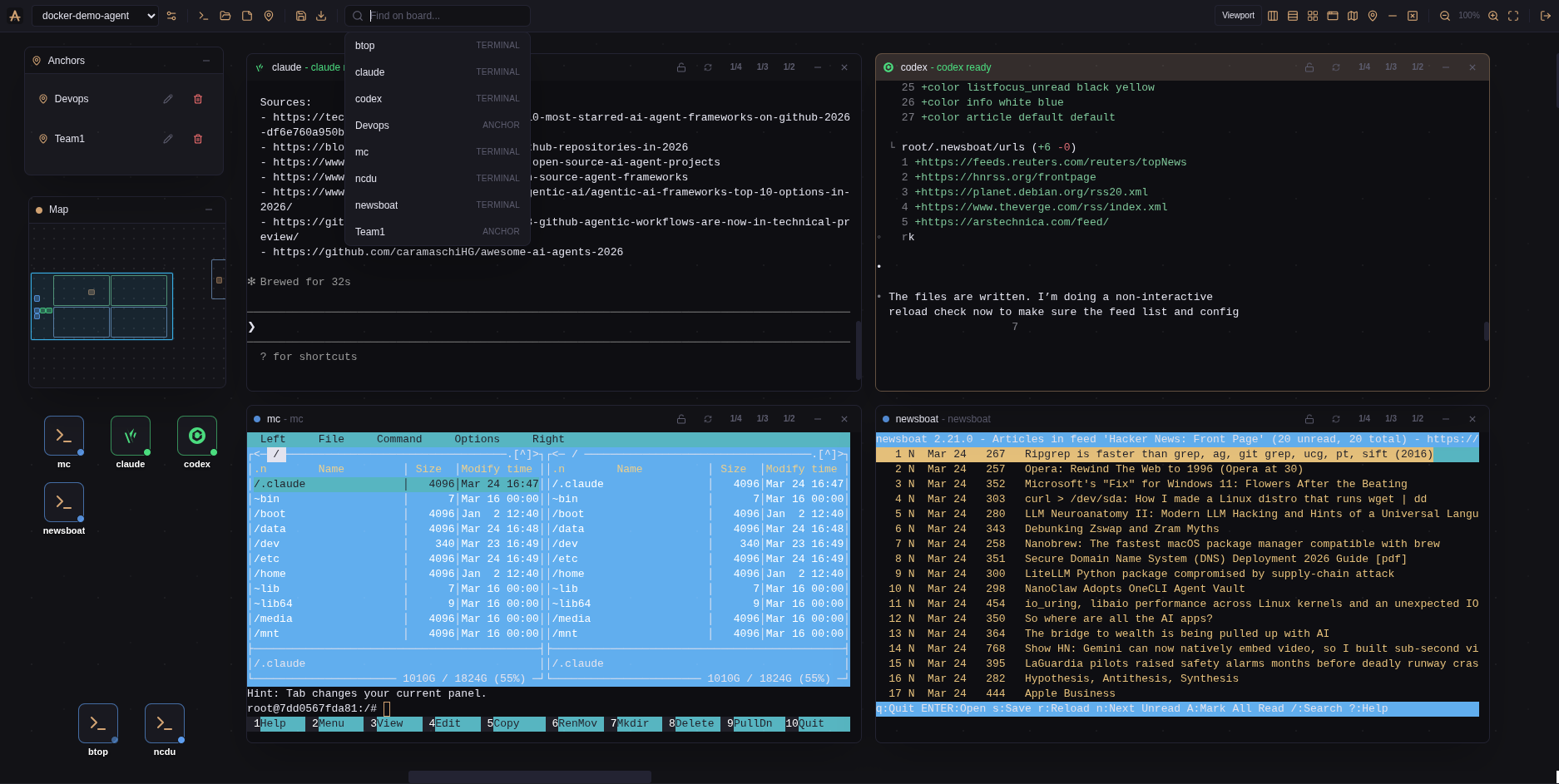
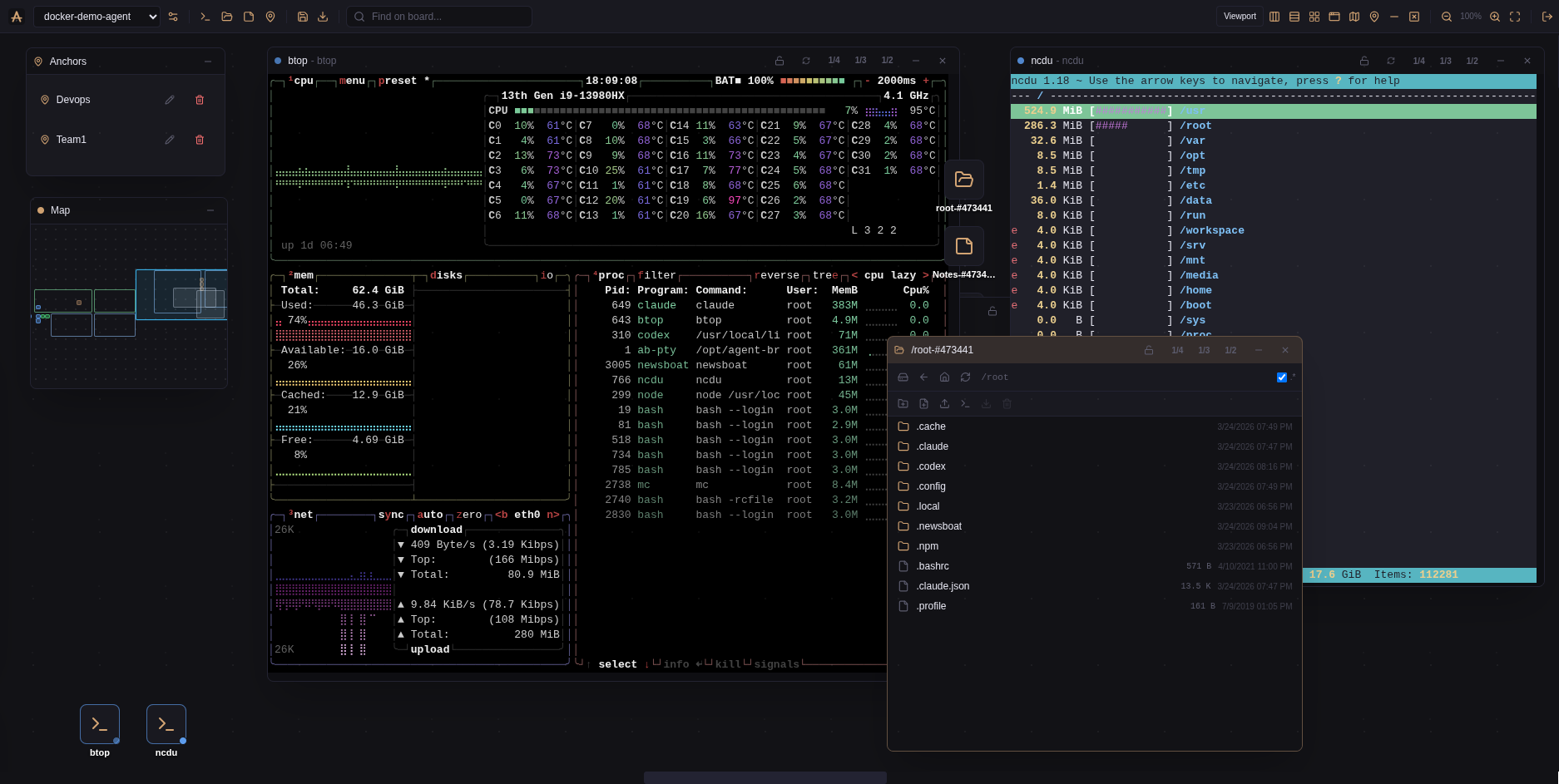
Not a dashboard with tables. A canvas where every window is a live terminal,
agent, file manager, or note.
⬡
Per-node canvas boards
Fully separate workspaces per node — including viewport state and system panels. Each machine gets its own board. Save and restore layout snapshots through the backend.
◉
Session status at a glance
Every window, icon, and minimap dot shows busy / idle / error. Viewport-pinned icons on a separate layer. Double-click an icon to jump to its window and reopen it.
⊞
Layout & rulers
Scope switcher: viewport, world, rulers modes. Drag ruler guides to define a tiling region. Grid, columns, rows. Window lock. Quick search with jump-to-focus.
◫
Node connection manager
Add, edit, delete, test node connections from the canvas UI. No config files. SSH deploy wizard downloads published release artifacts automatically.
⚓
Anchors & minimap
Named navigation points on the canvas. Anchors panel — click to fly there. Minimap with real-time viewport tracking and status indicators.
▣
Not just terminals
File managers with in-place PTY session creation, markdown notes, anchors — all canvas components. Right-click to create. Everything persisted per node.
Architecture
Built for agent swarms
Coordinator server + PTY daemons on every node. Daemons hold persistent terminals
and detect agent status (Claude/Codex state heuristics, hook forwarding). Metrics and aggregation on the roadmap.
Use cases
How people use AB
Works with any CLI tool — Claude, Codex, Kilo, Qwen, or just npm run dev.
Persistent agent work
Start Claude on a project, switch to another. Come back hours later — session alive, context intact, agent still writing code.
Remote machine as node
Run the SSH deploy wizard. It installs the PTY daemon, returns credentials. Add the node — done. No manual config.
Multi-project parallel
5 repos, 8 terminals, 3 AI agents in background. Canvas shows everything — what's active, what's idle, where each project lives.
Incus dev farm
50 Incus containers on one server, each a full dev environment with docker inside. Each node = its own canvas board. Switch in one click. Your own mini cloud.
Access
Browser. Anywhere. Any device.
Deploy on a server, open in a browser from a laptop, phone, tablet.
Same sessions, same canvas. No desktop app, no VPN, no Electron.
Web-native architecture — multi-user with roles is a backend feature away, not a rewrite.
# or manually git clone https://github.com/agent-bridges/ab.git && cd ab docker compose --env-file .env.quick-start -f docker-compose.quick-start.yml up -d